Private Lesson Software with Owner-Requested Scheduling
An owner picks a time that works for them. A trainer decides whether it actually works. Pet Ops puts a real request-and-confirm loop between the two, instead of a calendar that pretends to know a trainer's day.
Scheduling That Starts With the Owner
Private lessons don't run on the facility calendar most kennel software assumes. There's no arrival window, no run to assign, often no building at all — just a trainer and an owner agreeing on a time. Software that forces private lessons into a boarding-shaped booking flow gets the direction backwards.
Pet Ops starts from the owner's request and lets a person — not a scheduling engine — decide if it works.
How Private Lessons Run in Pet Ops
- —Owner proposes a time: From the portal, an owner picks a date and a time window. The request creates a pending enrollment and a pending lesson together, so nothing is half-booked while it waits on staff.
- —Staff confirm or adjust: Approving a request activates the enrollment and confirms the lesson — staff can shift the exact time before confirming if the proposed slot doesn't work.
- —Staff are the availability gate: Pet Ops doesn't check a trainer's calendar for conflicts automatically. Conflict detection is advisory at most — the confirm decision is a person looking at the day, not software booking on autopilot.
- —The reschedule round-trip: If a confirmed lesson needs to move, the owner requests a new time from the portal. The lesson drops back to pending, staff are notified, and confirming it locks the new slot in — no phone tag required.
- —Reminders on the owner's channel: Staff set how far ahead reminders go out; delivery follows the owner's SMS or email preference and is tied to the confirmed slot, not a guess.
- —A calendar that shows commitments: Confirmed lessons render as timed entries with the pet and trainer's name. Pending requests don't show up on the calendar at all, so the schedule reflects what's actually locked in.
What the Owner Sees
The portal shows the request as pending until staff confirm it, then the confirmed date and time, then a reminder before the lesson. Session notes publish to the same portal afterward — a private-lesson owner gets the same report-card experience as any other delivery model, without a facility record attached to it.
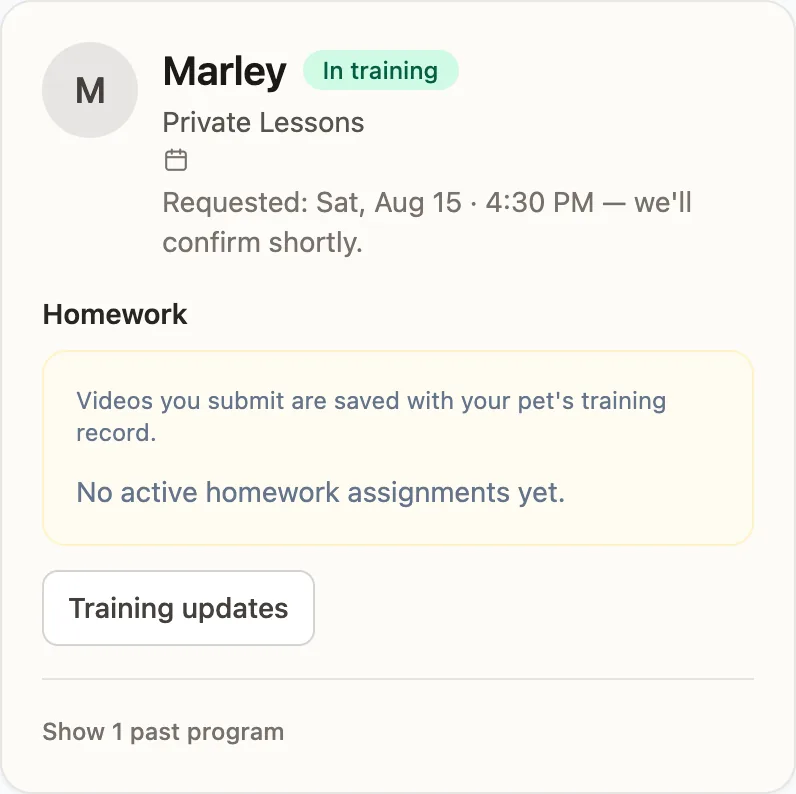
The owner's side of a pending request. Nothing is booked until a person confirms it — Pet Ops does not check a calendar and accept on the trainer's behalf.
One Training Core, No Facility Assumed
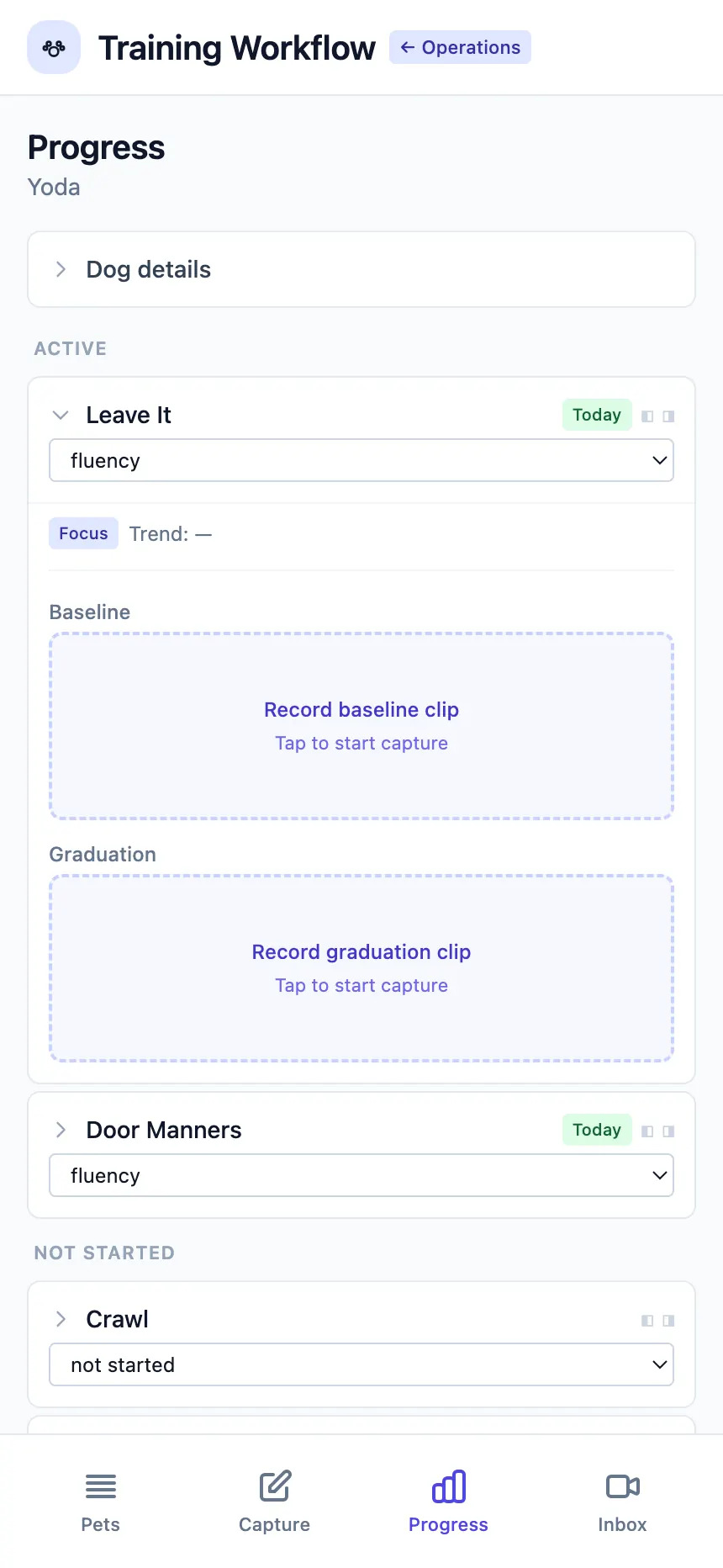
Private lessons run on the same skill library, homework templates, and methodology packs as every other delivery model. Money moves through the enrollment at checkout — there's no check-in step to invoice against, because the dog was never on-site to check in.
Who Private Lessons Fit
Good fit:
- ✓A solo trainer running one-on-one sessions from home, the owner's home, or a rented room — no building or run required
- ✓Facilities adding private work alongside boarding or day training
- ✓Trainers who want owner-initiated scheduling without giving up the final say on their own calendar
Also on the same platform:
Related Reading
Let Owners Ask, Let Staff Decide
Private lessons get a real request-and-confirm loop, a reschedule path that doesn't need a phone call, and the same training core as every other delivery model.
Start Free